
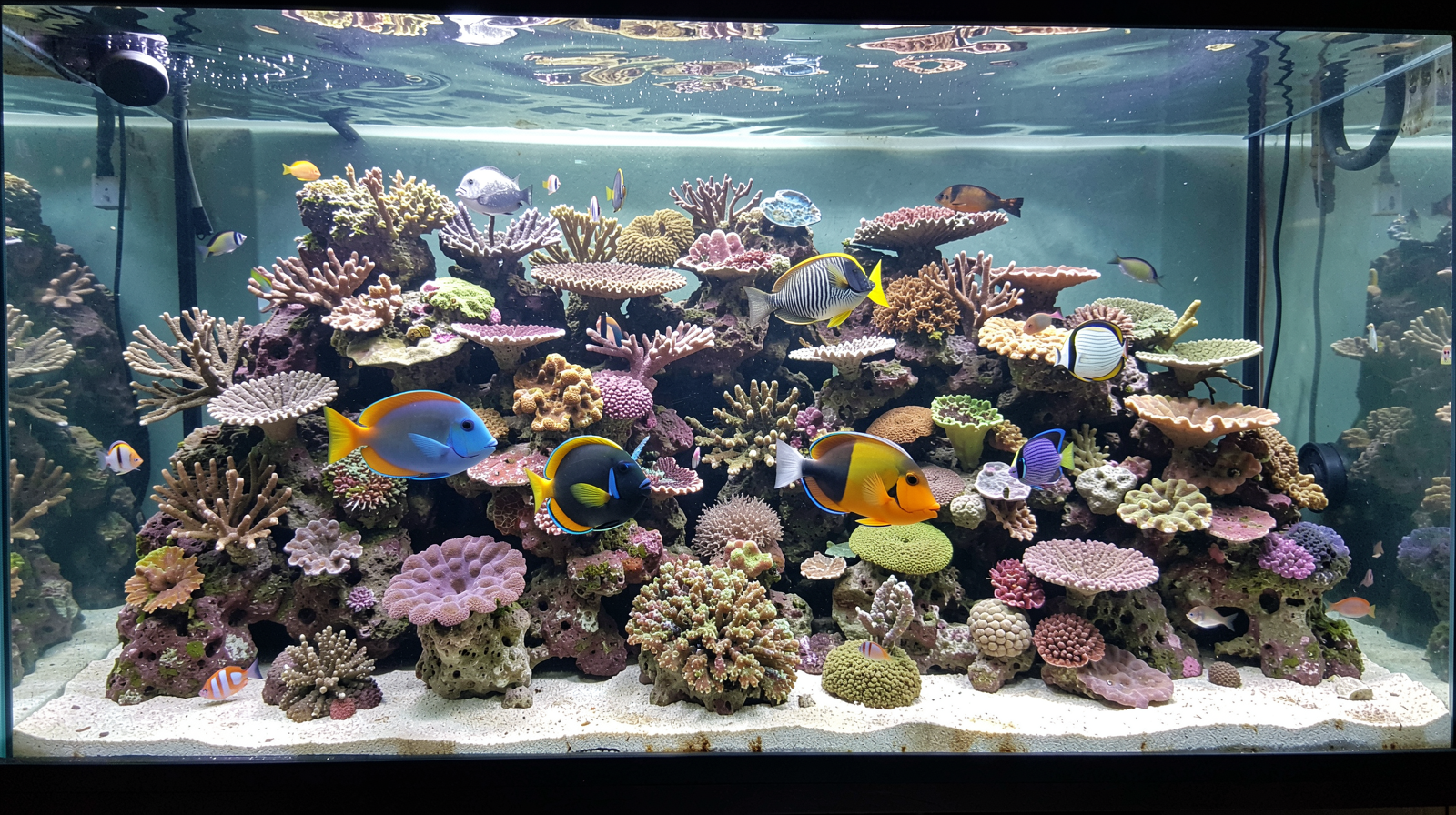
Keeping the Water Moving When the Power Goes Out
Written by Diamond Dave — October 28, 2026
A practical guide to calculating your essential reef tank power needs for an outage.
The newsletter for reef keepers who don't want a coral vacation when the lights flicker out.
Before you buy any battery backup gear, let’s talk about what actually needs running.
One of the biggest mistakes I see people make when they start worrying about power outages is trying to keep everything exactly as it is before the lights went out. They want their high-intensity LEDs at 100% brightness and their protein skimmers running at max speed during a storm. That isn’t how battery backups work, and honestly, it’s not what your fish need to survive a few hours of darkness.
When you are prepping for an outage, you have to think about life support versus aesthetics. If the power cuts out, your priority is oxygenation and circulation. Without water moving, oxygen levels drop and waste products can settle in corners where they cause issues. Everything else—the fancy lighting scenes, the heavy-duty filtration systems that move hundreds of gallons per hour, and even some high-draw equipment—can usually sit idle for a bit without causing a disaster. My goal is to help you find that “minimum viable flow” so your backup battery lasts as long as possible while keeping your livestock safe.
Figuring out your ‘Critical Load’: The Math Part
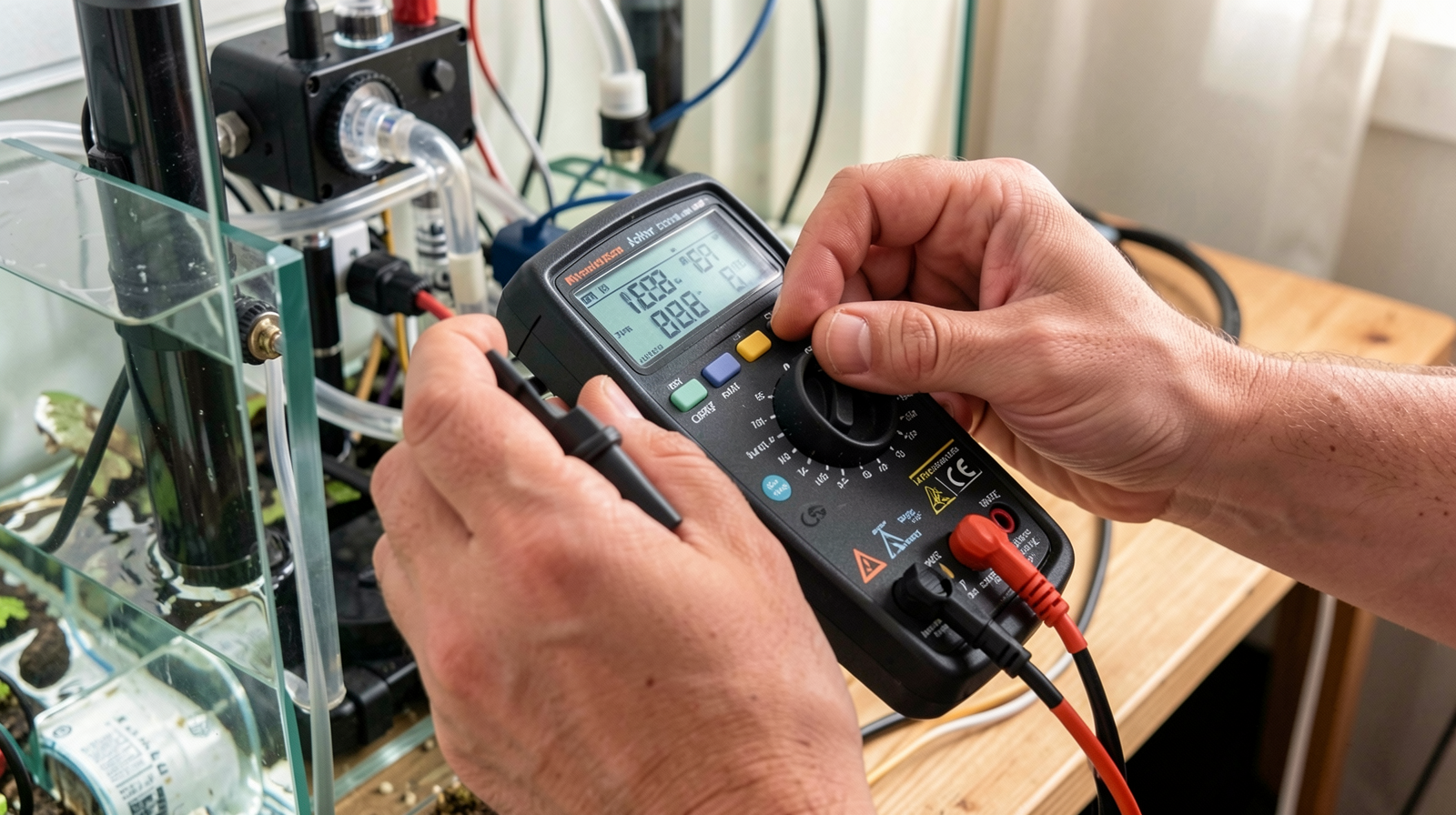
To figure out what kind of power station or UPS (Uninterruptible Power Supply) you need, you have to stop guessing and start looking at the stickers on your equipment. Every piece of gear has a wattage rating. To find your “critical load,” you only want to sum up the items that provide oxygen and basic circulation.
For most home reef tanks, this means your primary return pump (or powerheads if you don’t have a sump) and maybe a small air pump as a failsafe. Here is how I approach the math:
- Identify each piece of essential gear.
- Find the wattage (W) on the manufacturer’s label.
- Add those numbers together to get your Total Critical Wattage.
For example, if you have a return pump that draws 150 watts and two small powerheads drawing 30 watts each, your critical load is 210 watts. Knowing this number tells you exactly what capacity your backup unit needs to handle. If your battery station can only output 150 watts but your gear pulls 210, it will shut down almost immediately or won’t start the pumps at all.
What about lights? And what about skimmers?
This is where most people overcomplicate their setup and end up buying a massive, expensive battery system they don’t actually need. In my experience, protein skimmers and high-powered reef lights are usually the first things I’d turn off during an outage.
A protein skimmer is a mechanical process; if it stops for four hours while your pumps keep the water moving, your fish aren’t going to suffer. It might make the water a little dirtier by morning, but that’s a manageable problem compared to low oxygen levels. Similarly, unless you are in an area where outages last for days at a time, your corals and fish can handle a few hours of darkness perfectly fine. By removing these high-draw items from your “critical load” calculation, you significantly extend the runtime of your backup power source. Focus on the water movement first; everything else is secondary during an emergency.
Connecting the Gear: Making it Safe and Simple
You don’t want to be scrambling with extension cords in the dark when a storm is rolling in. The goal is a “plug and play” setup that you can test before the power actually fails. I recommend having a dedicated circuit for your backup gear.
When connecting your pumps to a UPS or portable power station, keep it simple. Avoid daisy-chaining multiple power strips together, as this can create heat issues or trip the internal breakers of your battery unit. Instead, plug your essential pumps directly into the backup unit or into one high-quality surge protector that is then plugged into the unit.
If you have a sump system, make sure your return pump is easily accessible so you can flip it over to the backup source if needed. I always suggest labeling the plugs on your power station—put a piece of tape on the outlet for “Pump 1,” “Pump 2,” etc.—so there’s no confusion when things get stressful and you need to know exactly what is running on your limited battery life.
The Runtime Reality Check: Setting Expectations
The most important thing to understand about backup power is that runtime is a sliding scale. A battery station doesn’t have an infinite “runtime” number; it has a capacity (usually measured in Watt-hours or Wh). To find out how long your gear will run, you divide the battery capacity by your total wattage draw.
If you have a 1000Wh power station and your critical load is 200 watts, you might get about five hours of runtime—though in reality, it’s usually a bit less because batteries lose efficiency as they drain. This is why prioritizing flow over filtration efficiency is so important. If you run your pumps at half-speed (if your controller allows it), you can often double your runtime. I’d much rather have a tank with slow circulation that stays running for eight hours than a tank with high-velocity flow that dies after two. Always aim for the “slow and steady” approach during an outage to give yourself the biggest window of safety.
Quick Checklist Before the Next Storm Hits
Don’t wait for the clouds to turn grey before you start prepping. Take some time this weekend to do a quick audit of your setup so you aren’t caught off guard. Here is what I recommend doing right now:
- Inventory Your Gear: Walk around your tank and write down every piece of equipment that draws power.
- Check the Labels: Note the wattage for each item and circle the ones you consider “essential” (pumps, air stones).
- Calculate Total Load: Add up those essential watts to see what kind of battery capacity you need to buy or rent.
- Test Your Backup: If you already have a UPS or power station, plug in your pumps and see how long they actually run on a single charge.
- Create a Plan: Decide exactly which items will be turned off first if the power goes out so you don’t have to think about it in the moment.
Source: Reefs.com
Get new newsletter issues, guides, and product updates by email.